
Page 1 failed to load.
Fernhoof Grove | Miaumi Games - Sneak Peek: Organized Routines
 Up next
arania - Emma the Cougar Ranger Chapter 4
About This Title
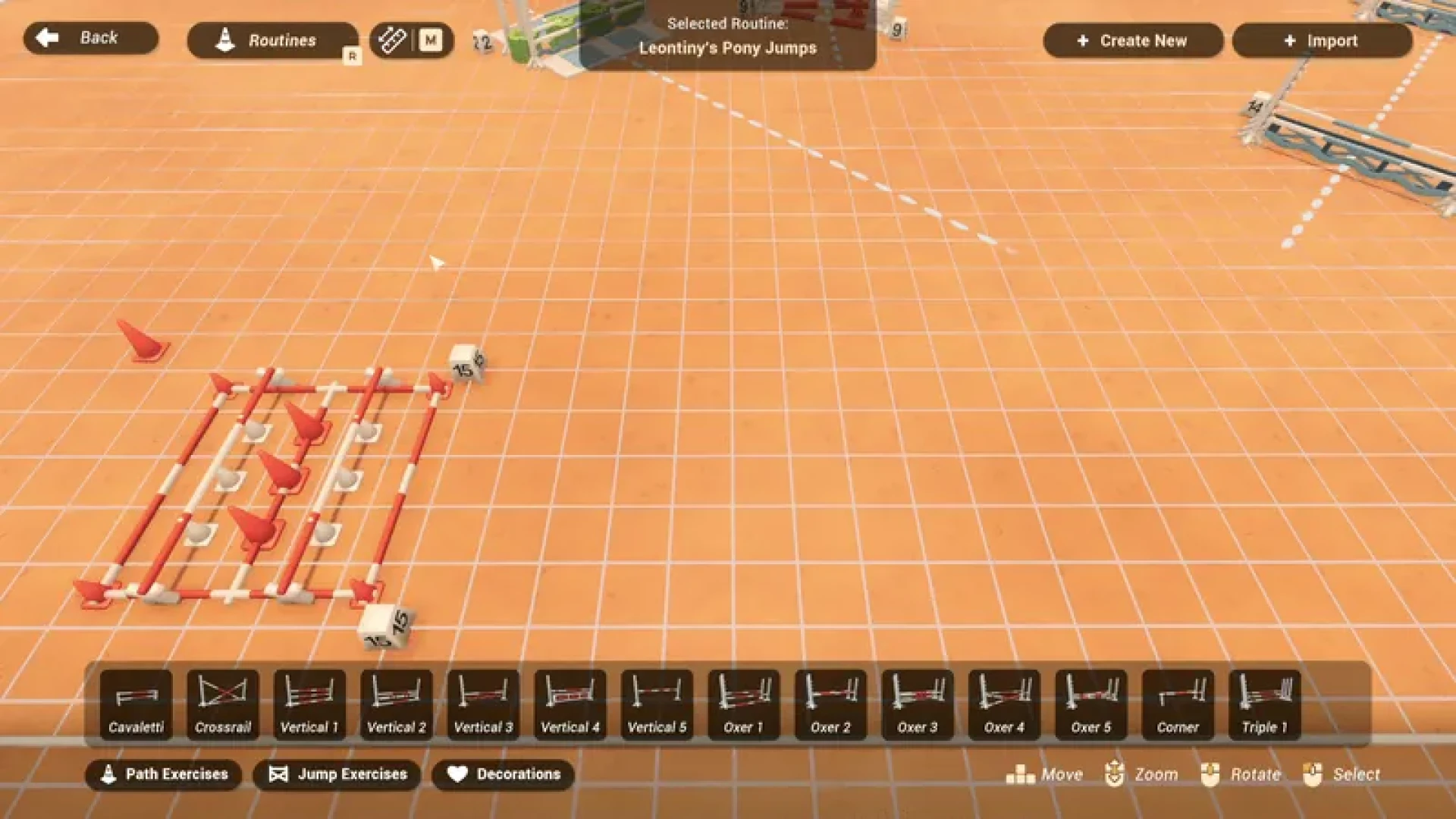
One of the biggest points of clunkiness on the exercise builder came from the routines list. If you have a lot of routines, it's a bit tiresome to keep scrolling to find the one you are looking for and difficult to keep it organized. As part of the upcoming update I've completely reworked it into a full menu with many helpful tools!
Finding The Routine
The list now opens into a more intuitive menu! On top of the basic information, the routines have a handy preview image to see them at a glance. If you are looking for a specific routine, creator or another keyword from the name or description, you can filter the routines using the search bar.
Organizing Tools
If you keep returning to a routine you enjoy, you can set it as a favorite to have it more visible in the future on your favorites page. For any extra organisation needs, you can also completely reorder your routines list.
Editing Routines
Along with the exercise editing shown in the previous sneak peek, you can now create a copy of a routine if you'd like to make few different versions of it. The new edit menu shows a larger overhead preview and has a button to directly save the preview image into your screenshots.
While working on this, I had many of those moments where I stopped to notice how much I've improved as a developer over the years. Surprisingly I'd sometimes breeze through features I was originally a bit intimidated by. Encouraged by that I ended up adding more than I had planned, like creating copies, reordering the list and the save image button. Though then at the end capturing those preview images came to humble me again with so many issues, haha!
A keen eye might notice a third tab, presets, at the top of the menu. That's what I will be working on next to wrap up this update ready for release!
♡ Jessi
One of the biggest points of clunkiness on the exercise builder came from the routines list. If you have a lot of routines, it's a bit tiresome to keep scrolling to find the one you are looking for and difficult to keep it organized. As part of the upcoming update I've completely reworked it into a full menu with many helpful tools!
Finding The Routine
The list now opens into a more intuitive menu! On top of the basic information, the routines have a handy preview image to see them at a glance. If you are looking for a specific routine, creator or another keyword from the name or description, you can filter the routines using the search bar.
Organizing Tools
If you keep returning to a routine you enjoy, you can set it as a favorite to have it more visible in the future on your favorites page. For any extra organisation needs, you can also completely reorder your routines list.
Editing Routines
Along with the exercise editing shown in the previous sneak peek, you can now create a copy of a routine if you'd like to make few different versions of it. The new edit menu shows a larger overhead preview and has a button to directly save the preview image into your screenshots.
While working on this, I had many of those moments where I stopped to notice how much I've improved as a developer over the years. Surprisingly I'd sometimes breeze through features I was originally a bit intimidated by. Encouraged by that I ended up adding more than I had planned, like creating copies, reordering the list and the save image button. Though then at the end capturing those preview images came to humble me again with so many issues, haha!
A keen eye might notice a third tab, presets, at the top of the menu. That's what I will be working on next to wrap up this update ready for release!
♡ Jessi

Comments (0)